Social media has become a daily part of our lives. We use it to connect with friends, share moments, learn new things, and stay updated. But while social media is convenient, it also comes with risks—especially when it comes to personal information.
Many people unknowingly share sensitive details online, which can lead to privacy issues, scams, identity theft, or misuse of data. The good news is that you don’t need to quit social media to stay safe. You just need to use it smartly and responsibly.
This guide explains how to protect your personal information on social media in a simple, practical, and beginner-friendly way.
If you often capture photos and videos, choosing the right storage is important. Read more about the best cloud storage options for photos and videos to keep your memories safe.
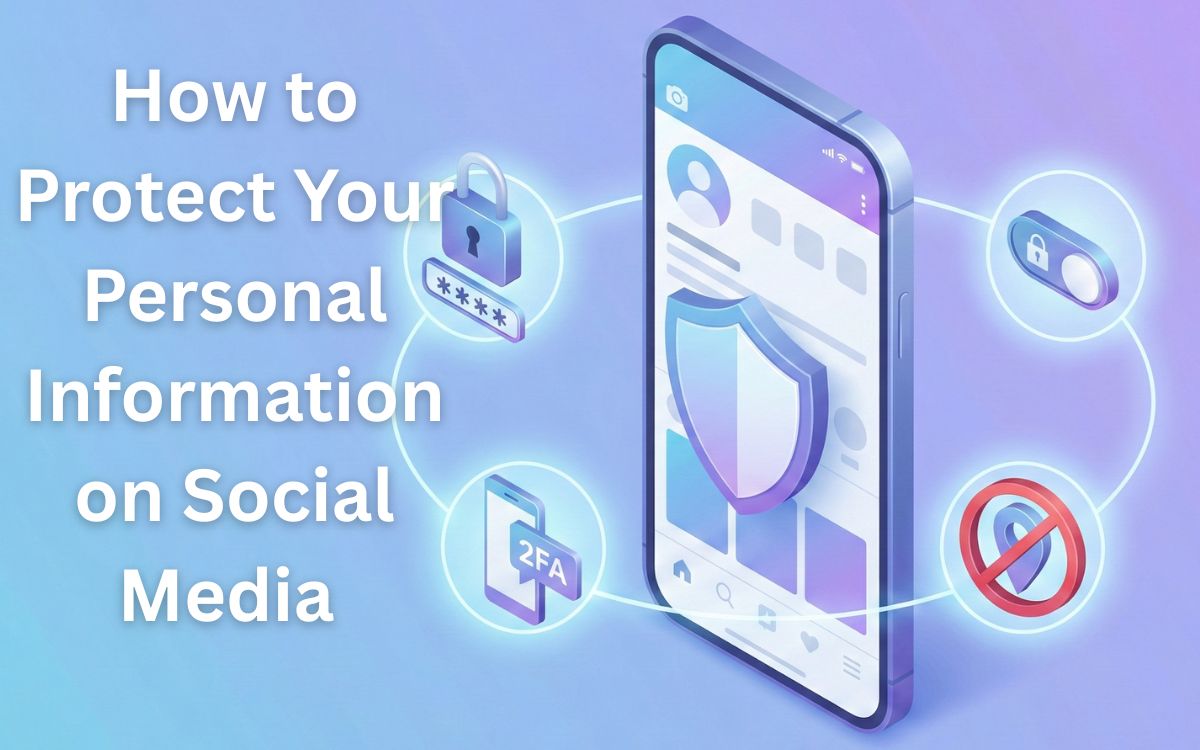
Why Protecting Personal Information Is Important
Personal information includes more than just passwords. It can be:
- Full name and date of birth
- Phone number and email address
- Location and daily routine
- Photos and personal habits
- Login credentials and security details
When this information falls into the wrong hands, it can be used for scams, fake profiles, hacking, or unwanted tracking.
Protecting your information helps you:
- Stay safe online
- Avoid scams and fraud
- Maintain privacy
- Control your digital identity
Avoid Sharing Too Much Personal Information
One of the biggest mistakes people make on social media is oversharing.
You should avoid posting:
- Phone numbers and email addresses
- Home address or exact location
- Personal documents or ID images
- Daily routines in real time
- Travel plans before returning
What feels harmless today can become a problem later. Always think before you post.
Use Strong and Unique Passwords
A weak password makes it easy for hackers to access your account.
Good password habits include:
- Using a long and complex password
- Avoiding common words or names
- Not using the same password everywhere
- Changing passwords periodically
A strong password is your first line of defense against unauthorized access.
Enable Two-Factor Authentication (2FA)
Two-factor authentication adds an extra security layer to your account.
With 2FA:
- Even if someone knows your password, they still can’t log in
- You get a verification code on your phone or email
- Your account becomes much harder to hack
This simple step significantly improves account security.
Review Privacy Settings Regularly
Most social media platforms provide privacy controls, but many users never check them.
You should:
- Limit who can see your posts
- Control who can send friend requests
- Restrict profile visibility
- Review tagged photos and posts
Privacy settings change over time, so reviewing them regularly is very important.
Be Careful with Friend Requests and Followers
Not everyone online is who they claim to be.
To stay safe:
- Accept requests only from people you know
- Avoid fake or incomplete profiles
- Be cautious with accounts having no real activity
- Remove suspicious followers
Fake accounts are often used to collect personal data.
Avoid Clicking Suspicious Links
Scammers often use fake links to steal information.
Be cautious of:
- Messages asking for urgent action
- Links promising free gifts or money
- Unknown shortened URLs
- Messages that look unusual or out of character
If something feels suspicious, it’s better not to click.
Limit App and Third-Party Access
Many apps and websites ask for social media access.
You should:
- Review connected apps regularly
- Remove apps you no longer use
- Avoid giving unnecessary permissions
- Be careful with quizzes and games
Third-party apps can collect more data than you realize.
Be Smart About Location Sharing
Location sharing can reveal where you live, work, or travel.
To protect yourself:
- Turn off automatic location tagging
- Avoid real-time location posts
- Share travel photos after returning
- Check app location permissions
This reduces the risk of tracking and unwanted attention.
Protect Your Photos and Personal Media
Photos can reveal more than you think.
Before posting:
- Check what’s visible in the background
- Avoid posting sensitive documents or screens
- Be cautious with children’s photos
- Use privacy controls for albums
Once shared, content can be saved or reused by others.
Watch Out for Social Engineering Tricks
Social engineering is when attackers trick you into sharing information.
Common tactics include:
- Pretending to be customer support
- Fake verification messages
- Requests for personal details
- Urgent warnings to create panic
Never share passwords, OTPs, or recovery codes with anyone.
Use Secure Devices and Networks
Your account security also depends on how you access social media.
Best practices:
- Keep your device updated
- Use antivirus or built-in security tools
- Avoid public Wi-Fi for sensitive activity
- Log out from shared devices
A secure device keeps your data protected.
Regularly Monitor Account Activity
Checking account activity helps you catch problems early.
You should:
- Review login alerts
- Check unfamiliar sessions
- Log out from unknown devices
- Change passwords if something looks wrong
Early action can prevent serious damage.
Educate Yourself About Online Privacy
The digital world keeps changing, and so do threats.
Staying informed helps you:
- Understand new risks
- Use platforms safely
- Make better privacy decisions
- Protect yourself and others
Online safety is an ongoing process, not a one-time task.
If you want to manage your time, tasks, and daily routine more effectively, learning how to use ChatGPT to organize your life can be extremely helpful. This guide explains simple ways to use AI for planning, goal setting, and reducing daily stress.
Final Thoughts
Protecting your personal information on social media doesn’t require advanced technical skills. It requires awareness, smart habits, and regular checks.
By sharing less, securing your accounts, and using privacy tools wisely, you can enjoy social media without risking your personal data. Small steps today can prevent big problems in the future.
Stay connected—but stay safe.
FAQs – How to Protect Your Personal Information on Social Media
1. What is personal information on social media?
Personal information includes your name, phone number, email address, location, photos, daily routine, and any details that can identify you online.
2. Why is it important to protect personal information on social media?
Protecting personal information helps prevent scams, identity theft, account hacking, and misuse of your data by unknown people or third-party apps.
3. Is it safe to share personal details on social media?
It is not recommended to share sensitive details like phone numbers, addresses, passwords, or financial information publicly on social media platforms.
4. How can privacy settings help protect my information?
Privacy settings allow you to control who can see your posts, profile details, friend list, and activity, helping you limit access to trusted people only.
5. Can fake accounts steal personal information?
Yes, fake or suspicious accounts are often created to collect personal data. You should avoid accepting requests from unknown or incomplete profiles.
6. Are social media links and messages always safe?
No, many scam links look genuine. You should avoid clicking unknown or suspicious links, especially those asking for urgent action or personal details.
7. How does two-factor authentication protect social media accounts?
Two-factor authentication adds an extra security step, making it harder for anyone to access your account even if they know your password.
8. Is location sharing risky on social media?
Yes, real-time location sharing can reveal where you live or travel, which may cause privacy and safety risks. It’s better to share locations carefully or after returning.